


This article explains the symptoms, cause, and recommended solution to solve the login issue encountered inInfor OS (Multi-Tenant/ Single-Tenant environment).
Cause
Users may encounter the following error when trying to log in to the Infor OS page: “Error while processing the request. Please provide the following reference ID to your administrator for assistance”.
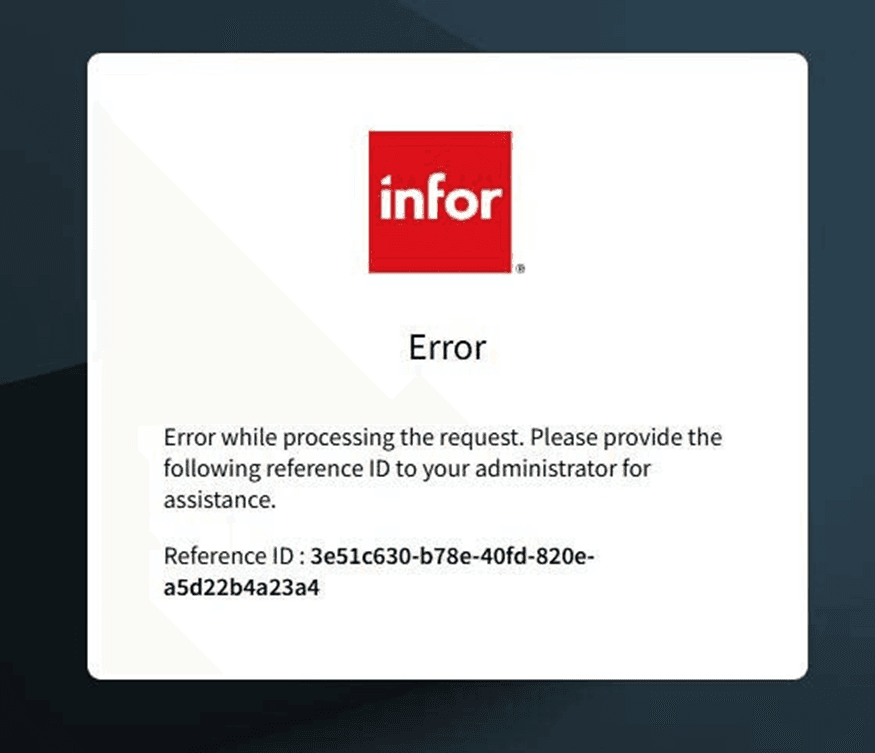
This error prevents the user from accessing the Infor OS environment.
The most common cause of this issue is using an incorrect URL to access the Infor OS login page. When the URL is wrong, the system cannot process the login request, resulting in the error above.
Solution
To resolve the issue, verify and use the correct Infor OS login URL:
- Confirm the correct MT environment URL with your system administrator or support team.
- Ensure you are not using bookmarked, outdated, or previously cached links.
- Replace any incorrect links in your browser bookmarks with the correct one.
Once the correct Infor OS URL is used, the login should proceed normally.
If you still face issues after verifying the Infor OS URL, please contact TRG Support via email at trghelp@trginternational.com for additional assistance.
See also
Infor OS – Infor Document Management
Infor OS Workflow: Document Approval integrating with SunSystems Ledger Entry