


This article explains the symptoms, cause, and recommended solution to solve SunSystems login via Infor OS issue.
Issue
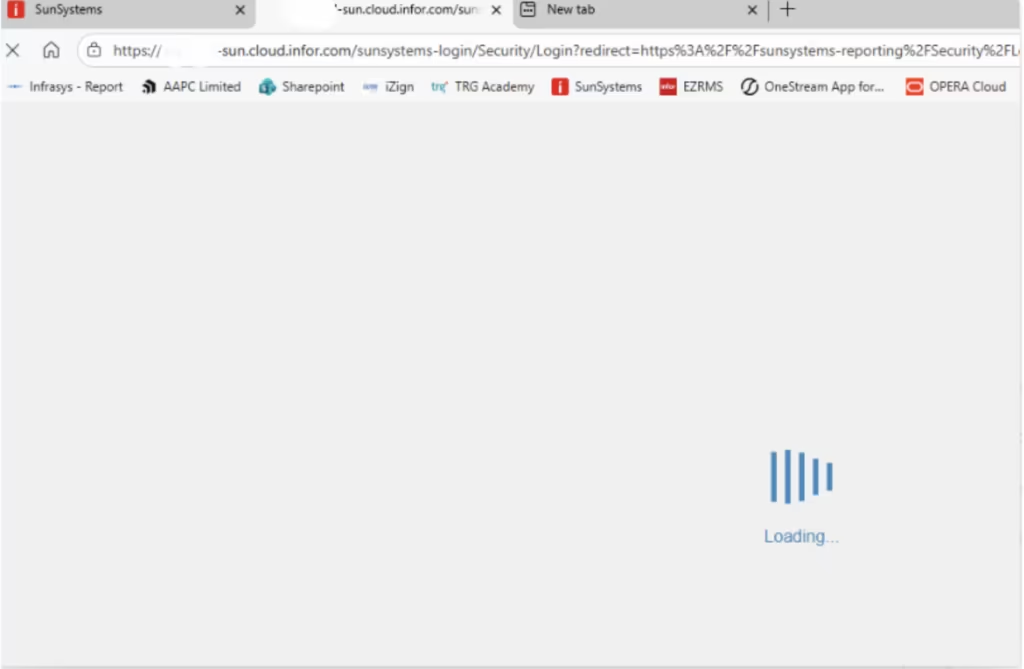
The system remains in a continuous loading state and does not complete the login process when accessing SunSystems via Infor OS.
Cause
This issue is typically caused by the web browser cache or cookies conflicts when logging in through Infor OS, resulting in the system being unable to load properly.
Solution
Please follow the steps below to clear your browser cache and resolve the issue.
Clear Cache for All Sites (Chrome / Microsoft Edge)
1. Close all SunSystems tabs.
2. Open Google Chrome or Microsoft Edge.
3. Press Ctrl + Shift + Delete.
4. Set the following options:
- Time range: All time
- Check:
- ✅ Cookies and other site data
- ✅ Cached images and files
5. Click Clear data.
6. Close the browser completely.
7. Reopen the browser and access SunSystems again via Infor OS.
If the issue persists, please contact TRG Support via email at trghelp@trginternational.com for additional assistance.
See also
Infor SunSystems Cloud Foundation
Infor SunSystems Account Allocations: Solving Everyday Challenges
Infor SunSystems Ledger Entry and Import: Solving Everyday Challenges