


Infor Query and Analysis (Q&A) is deeply integrated reporting and business intelligence tool for Infor SunSystems. The solution operates directly witihn Microsoft Excel, enabling users to not only handles their daily works with ease but also with confidence through a familiar look and feel. Though robust and practical, users might still come across unexpected obstacles while navigating Infor Q&A. In this article, we will explain the symptoms, cause, and recommended solution to solve the issue users encountered when logging into Infor Q&A.
Issue
When logging in to or working with Q&A, users may encounter the following error message: “Operation failed. Exception id is WebException …”
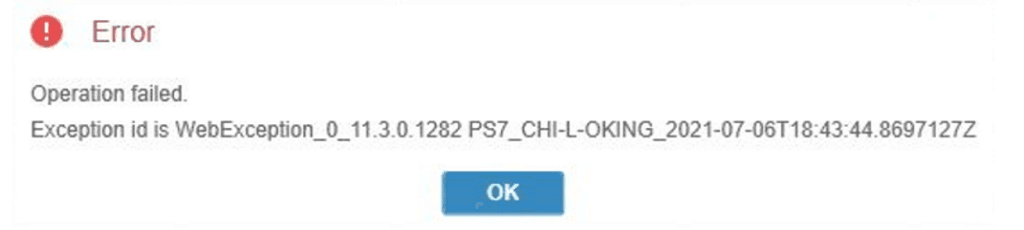
This error prevents users from accessing Q&A or completing the Data Send process.
Cause
This issue is caused by a connection problem between the client machine and the Infor Q&A Datalink server.
Common reasons include:
- Corrupted or outdated Q&A Excel plug-in
- Plug-in not properly registered on the client machine
- Temporary connectivity issue between Excel and the Q&A server
Solution
Follow the detailed steps below to reconfigure the Infor Q&A plug-in and restore the connection:
- Close Microsoft Excel completely
- Open the Windows Start Menu
- Search for and open Q&A Plug-in Checker
- In the Plug-in Checker:
- Remove the existing Q&A plug-in
- Add the Q&A plug-in again
- Click Test to confirm the connection is successful
- Once the test is successful:
- Open Microsoft Excel
- Log in to Q&A again
- Verify whether the issue is resolved
If the issue persists, please contact TRG Support via email at trghelp@trginternational.com for additional assistance.
See also
Solved: Datasend Import “Out of Present Range” Error
Solved: SunSystems Login Error via Infor OS